Home Categories Deals Sign Up
Updated: March 11, 2026

Looking for an honest Browse AI review? In this comprehensive review, we'll explore Browse AI's features, pricing, alternatives, and provide a step-by-step tutorial on how to use this AI-powered marketing platform effectively.

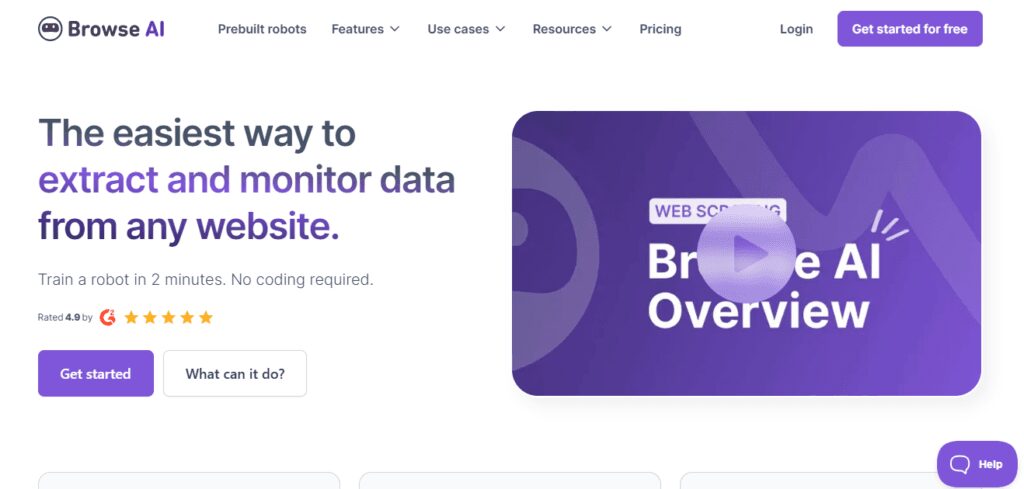
Browse AI is a powerful tool that automates web data extraction and monitoring without requiring coding expertise. Designed for professionals and individuals across industries, Browse AI empowers users to create “robots” that automate repetitive tasks, providing real-time insights and streamlined workflows.

1. No-Code Data Extraction: Easily scrape structured data from any website without writing a single line of code.

2. Automated Monitoring: Schedule robots to monitor websites and notify you of any changes instantly.

3. Prebuilt Robots: Access ready-to-use robots for common data tasks, enabling quick deployment.

4. Global Reach: Extract location-based data from websites worldwide.

5. Workflow Automation: Manage multiple robots to automate complex, multi-step tasks seamlessly.

6. Adaptive Technology: Robots adjust to changes in website layouts, maintaining consistent performance.

Pros
  • No-Code Solution: Democratizes web data extraction for users of all skill levels.
  • Scalability: Capable of managing up to 50,000 robots simultaneously.
  • Versatile Integrations: Seamlessly connects with 7,000+ tools, including Zapier and Google Sheets.
  • Time Efficiency: Automates repetitive data tasks, allowing users to focus on strategic priorities.
Cons
  • ×Learning Curve: Some users may need time to master the platform’s features fully.
  • ×Website Structure Dependency: Significant changes to a website's layout might require retraining robots.

● Market Researchers: Gather market trends, pricing data, and consumer insights effortlessly.

● SEO Specialists: Monitor search engine rankings and optimize strategies effectively.

● Sales Teams: Keep track of competitor pricing and product launches in real time.

● Content Creators: Extract data to identify trends and generate engaging content.

● Uncommon Use Cases

i. Academics: Automate data collection for research studies.

ii. Event Planners: Monitor ticket availability and price fluctuations across platforms.

Browse AI offers flexible plans to help you automate web data extraction and save valuable time:

● Free: Get started with Browse AI and explore its capabilities with a free plan. This plan provides 50 credits per month, allowing you to try out basic web scraping tasks. However, this plan is limited in usage and is designed for initial exploration.

● Starter ($19/month or $15.20/month with yearly billing – Save 20%): Upgrade to the Starter plan to significantly increase your data extraction capacity. This plan gives you 10,000 credits per year, ideal for individuals or small projects requiring regular web data. However, this plan might not be suitable for large-scale or high-frequency data needs.

● Professional ($99/month or $79.20/month with yearly billing – Save 20%): The Professional plan is designed for businesses and professionals who need substantial data extraction capabilities. It includes 60,000 credits per year, enabling more complex and frequent scraping tasks. This plan is suitable for larger projects and more demanding data requirements.

● Team ($249/month or $199.20/month with yearly billing – Save 20%): The Team plan is built for organizations and teams that require extensive data extraction and collaboration. It provides 120,000 credits per year, supporting large-scale projects and multiple users.

● Premium (Custom Pricing): For organizations with unique and very high-volume data needs, Browse AI offers custom pricing and full-service data scraping solutions. Contact Browse AI to discuss your specific requirements.

Browse AI’s no-code approach makes it accessible to anyone, regardless of technical expertise. Its ability to adapt to website changes ensures consistent performance, and its robust integration capabilities provide seamless workflows with other platforms like Google Sheets, Zapier, and Airtable.

Get the newest updates on the official website now!
Visit Website

● Accuracy and Reliability (4.5/5): Delivers dependable and precise data results.

● Ease of Use (4.3/5): Intuitive for non-coders, but features may require learning.

● Functionality and Features (4.7/5): Offers robust tools for data extraction and monitoring.

● Performance and Speed (4.6/5): Fast processing and adaptable robot workflows.

● Customization and Flexibility (4.2/5): Adjustable workflows, though some features require fine-tuning.

● Data Privacy and Security (4.4/5): Ensures user data is handled securely.

● Support and Resources (4.5/5): Comprehensive resources and responsive support team.

● Cost-Efficiency (4.6/5): Affordable pricing for its wide-ranging capabilities.

● Integration Capabilities (4.7/5): Connects seamlessly with over 7,000 platforms.

● Overall Score (4.5/5): A reliable, scalable solution for diverse data needs.

Get the newest updates on the official website now!
Visit Website

Browse AI offers an intuitive, scalable, and efficient solution for extracting and monitoring web data without coding. With its robust features, seamless integrations, and adaptability, it’s a must-have for market researchers, content creators, and businesses looking to streamline data workflows.

Save time and boost productivity—try Browse AI for free today!

Get the newest updates on the official website now!
Visit Website

Promote This Tool

Help others discover this tool by sharing this page.

Copied!

Browse AI Reviews

0.0
Based on 0 reviews
5 star
0%
4 star
0%
3 star
0%
2 star
0%
1 star
0%

Write a Review

Your Rating:

No reviews yet. Be the first to share your thoughts!

71+ Similar Browse AI Tools