Home Categories Deals Sign Up
Updated: April 25, 2026

How Presentia AI Turns a Prompt Into a PowerPoint

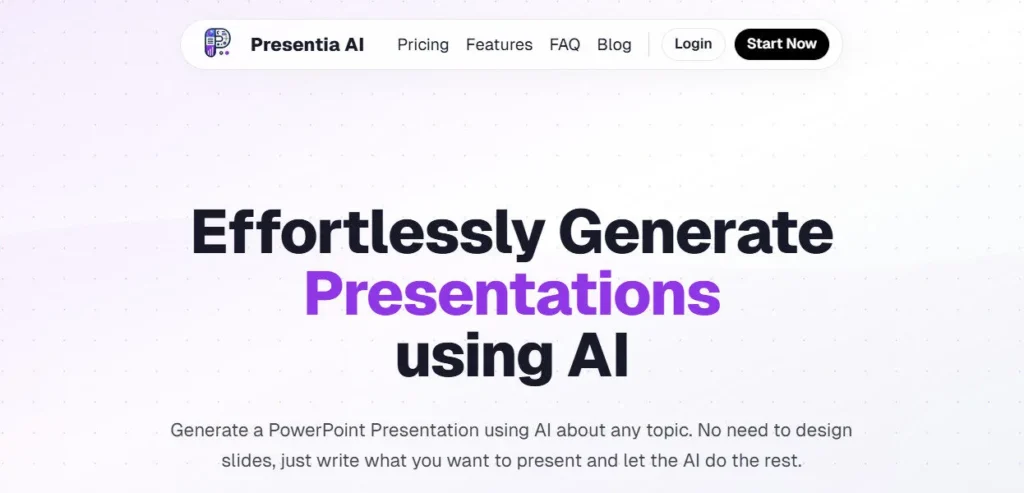
Presentia AI is a browser-based presentation generator that takes a text prompt, a topic description, or an uploaded document and produces a fully designed, fully editable PowerPoint deck in seconds. Founded in 2024, the platform is built around a single promise: zero formatting time, professional output, and a .pptx file you can keep editing in PowerPoint after you download it.

With per-slide AI image generation, customisable themes, and PDF export included on every paid plan, it punches well above its $20/month price point.

Key Capabilities

Every slide Presentia AI generates includes a context-aware AI image created specifically for that slide's content, not generic stock photos. You choose from 12 curated professional themes with colour palettes, typography, and SVG backgrounds, or let the AI auto-select the best match for your content.

Six-plus templates scale from 6-slide quick decks to 50-slide comprehensive presentations, giving you structural control before generation begins. The built-in browser editor lets you modify text, images, and layouts on-screen, and natural language batch commands update multiple slides at once without manual selection.

You can upload a PDF, DOCX, DOC, or TXT file up to 4 MB and Presentia AI extracts and structures the content into a presentation automatically. When finished, you export a fully unlocked .pptx or PDF file with no locked graphics and no vendor lock-in.

Who Gets the Most Out of It

Business professionals and consultants save the most time turning reports and strategy documents into presentation-ready decks in under two minutes. Startup founders generate investor pitch decks from a prompt, then fine-tune in PowerPoint before a meeting.

Educators and students convert lecture notes and research outlines into structured academic slide decks without any design work.

Marketers and agencies producing client-facing decks regularly get the strongest ROI from the Max Yearly plan at $199 per year, which includes commercial use rights and priority support for up to 1,500 slides annually.

Is It Worth It?

At $20/month for the Pro plan, Presentia AI is competitively priced for an AI presentation tool that includes per-slide AI image generation, theme customisation, multiple language support, and fully editable .pptx and PDF export.

The 7-day free trial gives you full access before your card is charged. The Max Yearly plan at $199/year works out to roughly $16.58/month and adds commercial use rights and priority support, making it the smarter choice for freelancers and agencies.

The main trade-offs are the 110-slide monthly cap on Pro and the absence of native Google Slides integration, which is listed as coming soon.

Presentia AI is a browser-based AI presentation generator founded in 2024 by a team including co-founder Jorge Alexander, a former AI founder with 10-plus years in AI and ML. You type a prompt, upload a document (PDF, DOCX, TXT), or paste content and the tool generates a fully designed slide deck with context-aware AI images in seconds.

Every deck exports as a fully editable .pptx or PDF file — no locked graphics, no vendor lock-in. The Pro plan starts at $20/month with a 7-day free trial.

• AI Presentation Generation — Enter a prompt or upload a PDF, DOCX, or TXT file and Presentia AI generates a complete, structured slide deck with professional layouts, themed typography, and SVG backgrounds in seconds.

• Per-Slide Context-Aware AI Images — Every slide receives its own AI-generated visual matched specifically to that slide's topic, not stock photos, producing a visually cohesive deck without any manual image sourcing.

• Customisable Presentation Themes — Choose from 12 curated colour and typography themes or let AI auto-select; switch themes across the full deck after generation without rebuilding any slide.

• Fully Editable PowerPoint and PDF Export — Download finished decks as .pptx files that open and edit natively in Microsoft PowerPoint, or export as PDF for sharing; all text, images, and layouts are fully unlocked.

• Natural Language Batch Editing — Use plain-English commands in the browser editor to modify multiple slides at once, changing fonts, backgrounds, or layout styles across an entire presentation without slide-by-slide manual editing.

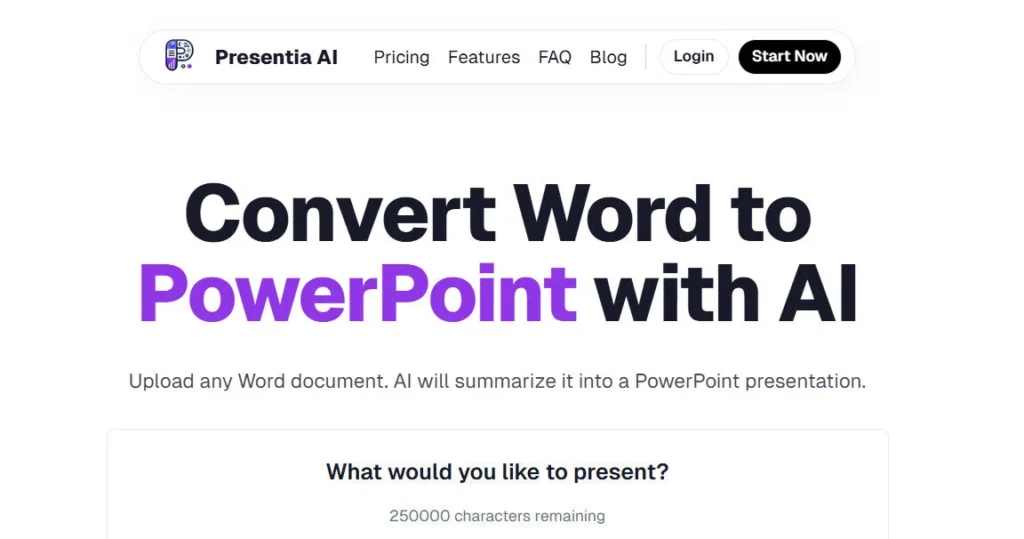
• Document-to-Slides Conversion — Upload a PDF, DOCX, DOC, or TXT file up to 4 MB; Presentia AI extracts key content, structures an outline, and generates a professionally designed deck automatically.

• Multi-Language Support — Generate presentations in multiple languages, making the platform viable for international teams and multilingual users without separate translation steps.

• Team Sharing (Coming Soon) — Collaborative deck sharing is listed as an upcoming feature on the Pro plan, enabling team-based workflows within a single Presentia AI account.

Pros
  • Per-slide context-aware AI images are generated for each individual slide rather than using generic stock photos, giving every deck visual cohesion without manual image sourcing
  • Customisable themes let you restyle an entire deck after generation by switching the theme in one click without rebuilding slides
  • Exports fully unlocked .pptx and PDF files editable natively in PowerPoint, with no locked graphics or vendor lock-in after download
  • Natural language batch commands restyle an entire presentation from a single instruction rather than requiring slide-by-slide editing
  • 7-day free trial gives full Pro plan access before any charge, with no commitment required to evaluate the full feature set
  • Max Yearly plan at $199/year includes commercial use rights, making it suitable for freelancers and agencies producing client-facing decks
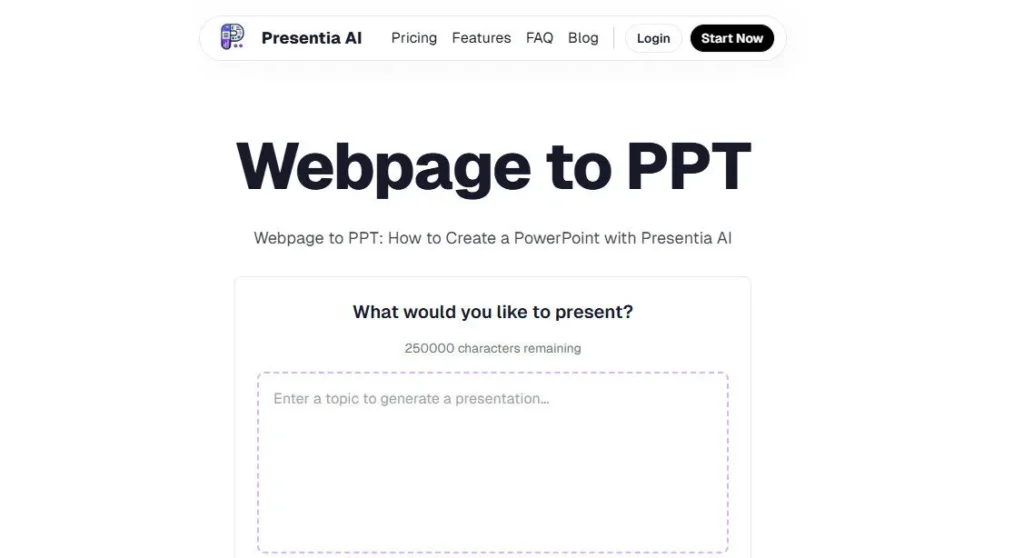
  • 250,000-character prompt input allows entire documents to be pasted directly without needing a separate file upload
Cons
  • ×Pro plan caps output at 110 slides per month — users building multiple large decks weekly can exhaust this in two to three weeks with no monthly top-up option
  • ×No permanent free plan — after the 7-day trial the tool requires a paid subscription at $20/month, which is a meaningful cost barrier compared to tools with a free tier
  • ×Google Slides export is not yet available and is listed as coming soon, limiting compatibility for Google Workspace-first teams
  • ×No native integrations with Zapier, HubSpot, Slack, or other third-party tools; the platform is currently standalone with no automation workflow support
  • ×Data privacy and security documentation is not prominently published; no SOC 2 certification or GDPR compliance statement is visible on the official website, which may concern enterprise buyers
  • ×Team sharing is listed as coming soon, meaning Pro plan users cannot yet collaborate inside the platform with colleagues

Presentia AI is designed for professionals, students, and creators who need polished, export-ready PowerPoint decks fast without spending time on design or formatting.

Business professionals and consultants — upload existing reports, strategy documents, or briefing notes and receive a structured, client-ready presentation in under two minutes with context-aware visuals on every slide.

• Startup founders and entrepreneurs — generate investor pitch decks or product demos from a prompt, then export to .pptx for final polish before a funding call or client meeting.

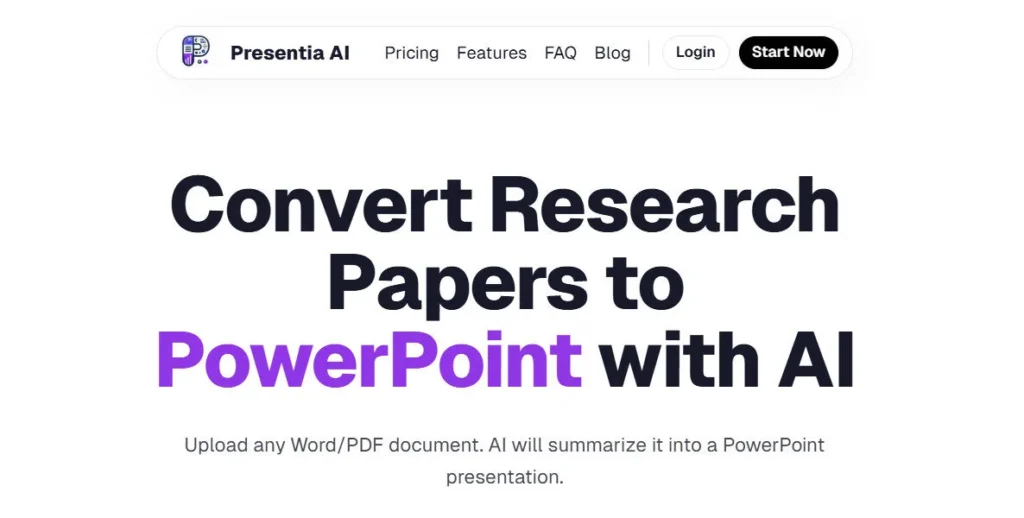
• Educators and students — convert lecture notes, research papers, or thesis outlines into professionally laid-out academic slide decks without design software; the 7-day free trial covers occasional academic use before committing.

• Marketers and sales teams — produce campaign summaries, product launch decks, and client proposals with topic-matched AI visuals baked into every slide and multi-language support for international markets.

• Freelancers and agencies — the Max Yearly plan at $199/year includes a commercial use licence and priority support, making it cost-effective for client-facing deck production at up to 1,500 slides per year.

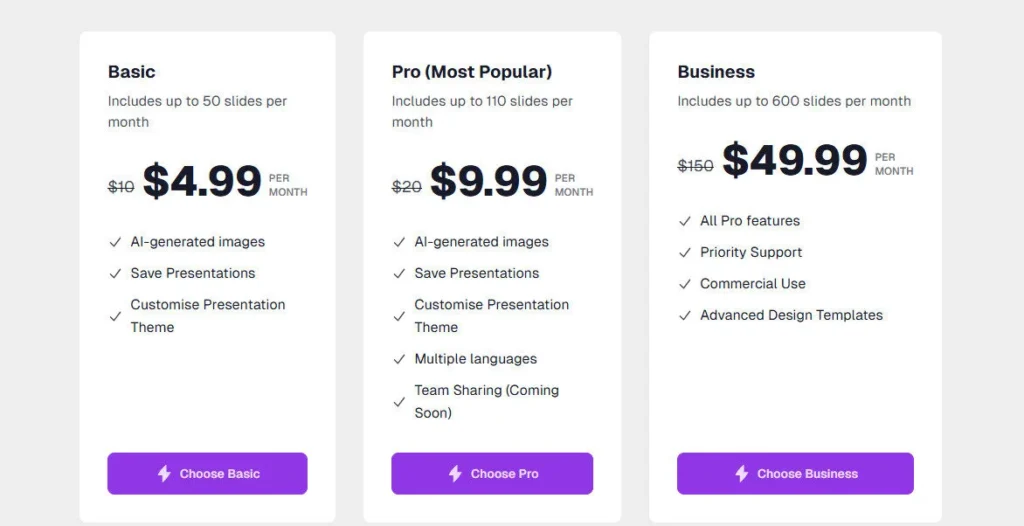
Pro ($20/mo — discounted from $29/mo, 7-day free trial included)Up to 110 slides per month, AI-generated images on every slide, save and manage presentations in library, customise presentation theme, multiple language support, Team Sharing coming soon.
Max Yearly ($199/year — discounted from $600/year)Up to 1,500 slides per year (approx. 125 slides/month), all Pro plan features included, priority support access, commercial use licence for client and agency work.
Free ($0)N/A — Presentia AI does not offer a permanent free plan; access is via a 7-day free trial of the Pro plan only.
EnterpriseN/A — This tool does not offer this plan.

Presentia AI stands apart through a combination of per-slide AI image generation and frictionless PowerPoint portability that most tools at this price point do not deliver together.

• Per-Slide Context-Aware AI Images — unlike tools that apply stock photos or one image style, Presentia AI generates a unique AI visual for each individual slide matched to its specific content and theme, producing a visually consistent deck without any manual image work.

• Fully Unlocked .pptx Export — the downloaded PowerPoint file preserves all text, images, SVG backgrounds, and layout elements as fully editable objects, not flattened images; users continue editing in PowerPoint exactly as if they had built the deck natively.

• Natural Language Batch Commands — modifying an entire presentation with a plain-English instruction goes beyond standard slide editors that require manual element-by-element changes, significantly reducing post-generation editing time.

• Commercial Use Licence on Max Yearly Plan — at $199/year, Presentia AI includes commercial use rights that allow freelancers and agencies to use generated decks in paid client work, a feature many competitors reserve for enterprise-tier pricing.

• 250,000-Character Prompt Input — accepting up to 250,000 characters directly in the prompt field means users can paste entire long-form documents, detailed briefs, or full articles without needing to upload a separate file.

Presentia AI is a standalone web platform that outputs to widely used file formats, with additional integrations listed on the roadmap.

• Web Browser (all major browsers) — fully cloud-based with no installation required; create, edit, and export presentations from any desktop browser on Mac, Windows, or Linux.

• Microsoft PowerPoint — every generated deck exports as a fully editable .pptx file that opens natively in all versions of Microsoft PowerPoint, with text, images, fonts, and SVG layout elements all preserved and unlocked.

• PDF Export — presentations also export as PDF files for easy sharing, emailing, and archiving without requiring the recipient to have PowerPoint installed.

• Document Sources (PDF, DOC, DOCX, TXT) — upload files up to 4 MB from any local storage; Presentia AI extracts and structures content automatically for presentation generation.

• Google Slides — integration is listed as coming soon; Google Workspace users can currently import the .pptx export manually into Google Drive as a workaround.

CategoryScoreWhy It Matters
Accuracy & Reliability4.1/5Presentia AI consistently generates well-structured, contextually accurate slide content from both text prompts and uploaded documents, with context-aware AI images that align to each slide's specific topic. Output quality on broad or well-defined subjects is strong. Highly technical or data-specific content occasionally produces slides requiring significant editing. As a 2024-launched platform, its long-term reliability track record is still being established compared to tools with multi-year deployment histories.
Ease of Use4.7/5The three-step workflow of describe, generate, and export requires no onboarding, no design knowledge, and no software installation beyond a browser. User testimonials from doctors, students, CEOs, and engineers consistently highlight how fast and approachable the tool is for first-time users. The natural language batch editing feature removes the last significant friction point for post-generation adjustments, allowing full deck restyling from a single plain-English instruction.
Functionality & Features4.0/5Presentia AI covers the core presentation workflow: AI generation from prompts and documents, per-slide AI image creation, theme customisation, 6-plus length templates, natural language batch editing, and both .pptx and PDF export. Team sharing is listed as coming soon, and the absence of Google Slides export, Zapier integration, slide analytics, and interactive embedded forms limits its scope compared to more established competitors. The roadmap is actively developing, which is encouraging.
Performance & Speed4.5/5Multiple verified user testimonials confirm that complete slide decks finish generating in seconds from a text prompt, with one developer describing it as only 5 seconds of his own work. The entirely cloud-based infrastructure means performance scales without local device constraints. Per-slide AI image generation adds slight additional processing time versus stock-photo-based tools, and speed remains internet-dependent as with all browser-based platforms.
Customization & Flexibility3.9/5The 12 themes, 6-plus templates, and natural language batch commands give users meaningful control over visual output at the Pro plan level. The in-browser editor allows per-slide text and image adjustments after generation. However, there is no custom logo or brand colour upload documented on either public pricing plan, and no custom slide master import, which limits brand-consistent output for teams with strict visual identity requirements.
Data Privacy & Security3.4/5Presentia AI does not publicly document SOC 2 certification, GDPR compliance, or a detailed data handling policy on its official website or FAQ pages as of 2026. For a 2024-launched startup, this level of security transparency is below the standard set by competitors like Plus AI, which holds SOC 2 Type II certification. Users with enterprise compliance requirements or sensitive document uploads should contact the team directly before using the platform.
Support & Resources3.7/5Support is accessible via a Contact Support button on the pricing page and email, with Max Yearly plan subscribers receiving priority support. No prominently documented live chat, public knowledge base, or video tutorial library is available on the official website. The founding team has been described by users as responsive and fast-moving on feature requests, suggesting an accessible early-stage team that compensates for the limited formal support infrastructure.
Cost-Efficiency4.3/5At $20/month for Pro and $199/year for Max Yearly, Presentia AI delivers strong value for a tool that includes per-slide AI image generation, theme customisation, multi-language support, and fully editable .pptx and PDF export. The Max Yearly plan at $199/year with commercial use rights is particularly cost-effective for freelancers and agencies compared to per-project design costs. The absence of a permanent free tier and the $20/month minimum commitment reduce accessibility compared to tools with free plans.
Overall Score4.1/5Presentia AI earns a solid 4.1 for delivering fast, visually polished PowerPoint presentations with per-slide AI images at a competitive price point backed by a genuine 7-day free trial. As a 2024-launched platform, gaps in third-party integrations, team collaboration, security documentation, and Google Slides export keep it from matching more established tools, but the core generation experience and export quality are genuinely strong for PowerPoint-first users.

Presentia AI delivers fast, visually polished PowerPoint presentations at a competitive $20/month starting price — its per-slide AI image generation and fully editable .pptx export are genuine differentiators that justify the cost for professionals who create decks regularly.

The 7-day free trial removes the commitment risk, though the absence of a permanent free plan, Google Slides integration, third-party automation support, and published security documentation are real limitations to weigh before upgrading beyond the trial.

Q1.Is Presentia AI free to use?
Ans:-Presentia AI does not offer a permanent free plan. It provides a 7-day free trial of the Pro plan ($20/month) with full feature access including AI image generation and PowerPoint export. No credit card charge occurs during the trial, but you must cancel before the 7 days end to avoid being billed. There is no ongoing free tier after the trial period.
Q2.How much does Presentia AI cost in 2026?
Ans:-Presentia AI offers two paid plans. The Pro plan costs $20 per month (discounted from $29/month) and includes up to 110 slides per month. The Max Yearly plan costs $199 per year (discounted from $600/year), covers up to 1,500 slides per year, and adds commercial use rights and priority support. Both plans start with a 7-day free trial.
Q3.What file formats does Presentia AI support for input and export?
Ans:-For input, Presentia AI accepts PDF, DOC, DOCX, and TXT files up to 4 MB, plus direct text prompts of up to 250,000 characters. For export, the platform outputs fully editable PowerPoint (.pptx) files and PDF files. Google Slides integration is listed as coming soon on the official FAQ.
Q4.How many slides can I create per month on each Presentia AI plan?
Ans:-The Pro plan ($20/month) supports up to 110 slides per month. The Max Yearly plan ($199/year) supports up to 1,500 slides per year, which averages approximately 125 slides per month. There is no published overage or credit top-up option — you would need to upgrade to the Max Yearly plan if you consistently exceed the Pro monthly cap.
Q5.Does Presentia AI export to Google Slides?
Ans:-Not yet. As of 2026, Presentia AI exports to PowerPoint (.pptx) and PDF formats only. Google Slides integration is listed as coming soon on the official FAQ page. Google Workspace users can manually import the .pptx export into Google Drive and open it in Google Slides as a current workaround.
Q6.Are the AI-generated images in Presentia AI unique to each slide?
Ans:-Yes. Presentia AI generates a context-aware image for each individual slide based on that slide's specific content, topic, and theme rather than applying a generic stock photo across the deck. You can regenerate any individual slide's image without rebuilding the rest of the presentation if you want a different visual for a specific slide.
Q7.Can I edit Presentia AI presentations after downloading as PowerPoint?
Ans:-Yes, and this is one of the tool's key differentiators. Every .pptx file exported from Presentia AI is fully unlocked: text, images, layouts, fonts, and SVG backgrounds are all editable objects in PowerPoint. Nothing is flattened as an image or locked by the platform. You own the file completely and can edit it like any natively built PowerPoint deck.
Q8.Does the Max Yearly plan include commercial use rights?
Ans:-Yes. The Max Yearly plan at $199/year explicitly includes a commercial use licence, meaning you can use AI-generated presentations in paid client work, agency deliverables, and commercial projects. The Pro plan at $20/month does not list commercial use as an included feature, so freelancers and agencies producing client-facing decks should opt for the Max Yearly plan.
Q9.How does Presentia AI compare to Decktopus AI on pricing?
Ans:-Decktopus AI's Pro plan starts at $14.99/month (billed annually), which is lower than Presentia AI's $20/month Pro plan. However, Presentia AI's Max Yearly plan at $199/year works out to approximately $16.58/month and includes commercial use rights, which Decktopus charges more for at the Business tier. Decktopus also offers more interactive features like embedded forms and slide analytics, while Presentia AI focuses on faster PowerPoint-native output with per-slide AI images.
Q10.Who founded Presentia AI and when was it launched?
Ans:-Presentia AI was founded in 2024 and is based in the United States. One of its listed co-founders is Jorge Alexander, Head of Product, described as a former AI founder with an exit and over 10 years in AI and machine learning. The platform was built specifically to eliminate manual presentation design time for business professionals, educators, and marketing teams.

Promote This Tool

Help others discover this tool by sharing this page.

✓ Link copied to clipboard!

Presentia AI Reviews

0.0
Based on 0 reviews
5 star
0%
4 star
0%
3 star
0%
2 star
0%
1 star
0%

Write a Review

Your Rating:

No reviews yet. Be the first to share your thoughts!

5 Similar Presentia AI Tools